U.S. Visa & Passport · Form DS-160
U.S. Visa Photo Rejected on DS-160: How to Fix 600×600 Pixels, White Background & 240 KB Limit
4 min read · Reviewed on: 2026-11-07
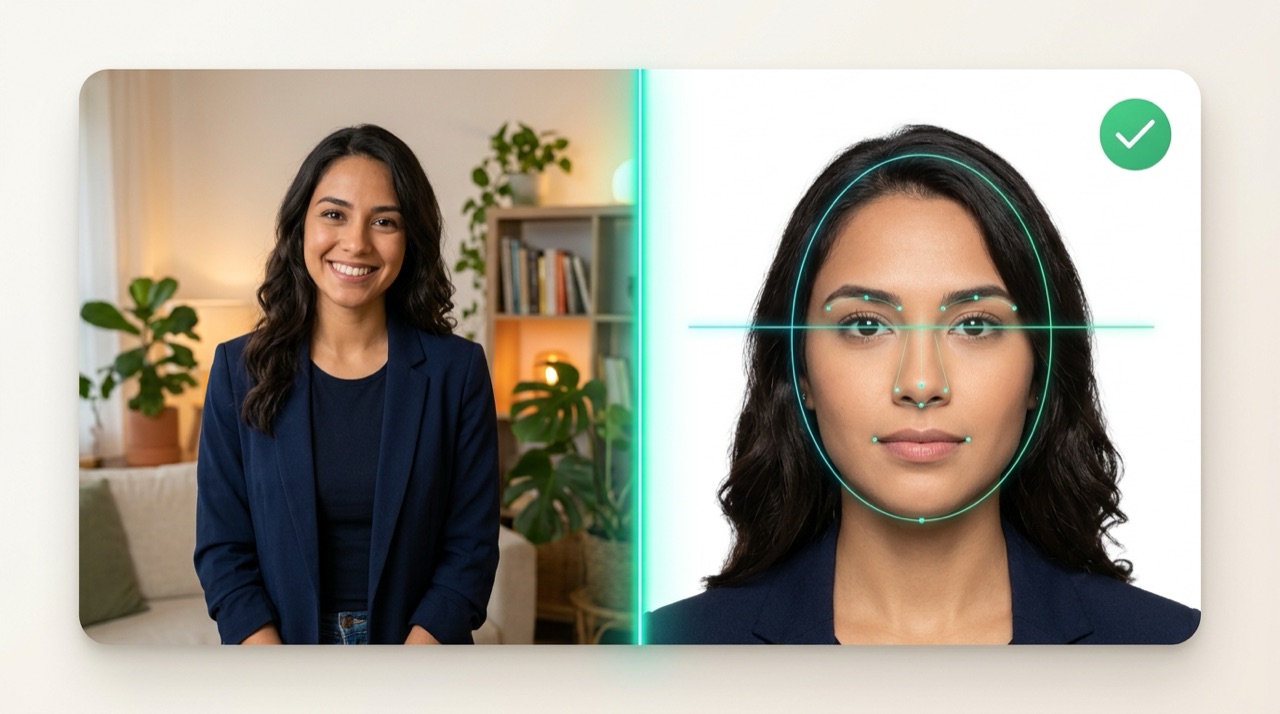
Direct Answer (Technical Summary)
The U.S. Department of State CEAC validator (Form DS-160) rejects photos mainly for 4 technical reasons: non-square dimensions (must be 600 × 600 px to 1200 × 1200 px), file size over 240 KB, wearing glasses (banned since 2016), or artificial background cutout halos. To pass on the first try, take your photo in front of a real white wall and use the “USA — 2 × 2 in” preset below, which locks filters and compresses the JPEG under 240 KB.
Official U.S. Department of State (CEAC / DS-160) technical parameters
| Parameter | Official U.S. Requirement | How PassPhotoFree Handles It |
|---|---|---|
| Pixel dimensions | 600 × 600 px minimum (1:1 square aspect ratio) | Exports exact 600 × 600 px at 300 DPI |
| Print size | 2 × 2 inches (51 × 51 mm) | Exact 50.8 × 50.8 mm print template |
| Maximum file size | Up to 240 KB (JPEG / sRGB) | Adaptive binary search compression ≤ 240 KB |
| Head height (chin to crown) | 50% to 69% of total height (1 in to 1⅜ in) | ICAO oval calibrated to the 50%–69% U.S. window |
| Eye level from bottom | 56% to 69% from the bottom edge | Dotted eye-line guide anchored to U.S. specs |
| Digital alterations & glasses | No glasses, no filters, no background cutouts | Original Photo Mode locks filters and cutouts |
1. Why does the CEAC DS-160 photo tool reject good photos?
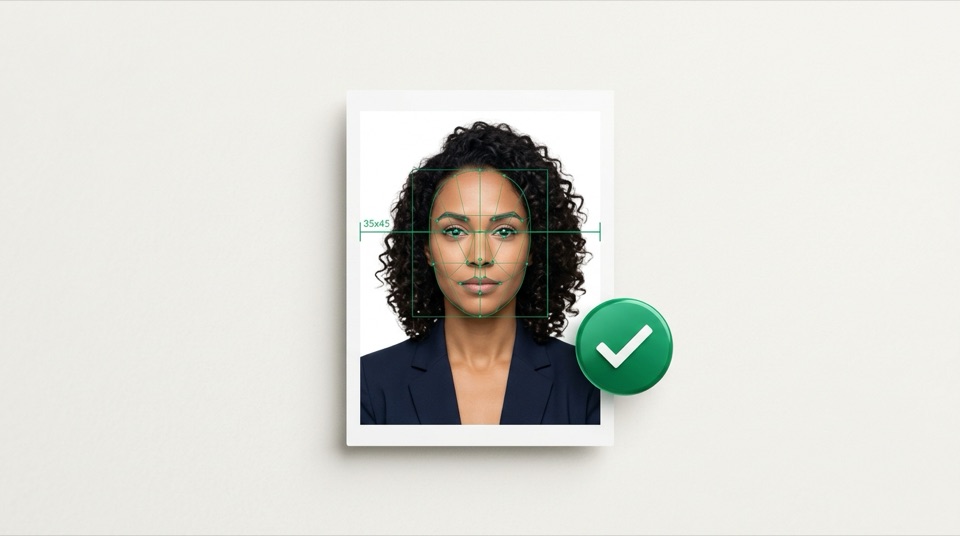
The automated Consular Electronic Application Center (CEAC) photo validator checks facial geometry, background uniformity and JPEG byte size. Smartphone photos typically fail because they are rectangular (4:3) and weigh 2–6 MB—well above the strict 240 KB ceiling.
Another common rejection occurs when applicants use automatic background erasers that leave jagged edges around the hair. The U.S. State Department explicitly prohibits digitally altering the background; stand in front of a plain white or off-white wall instead.
- Wrong aspect ratio: uploading a 35 × 45 mm rectangle instead of a 1:1 square (600 × 600 px).
- File size or format error: uploading a file over 240 KB or in HEIC/PNG format.
- Eye-line error: eyes positioned below 56% of the frame height.
2. The strict no-glasses and even-lighting rule
Since November 2016, eyeglasses are not allowed in U.S. visa or passport photos except under documented post-surgical medical circumstances. Even clear lenses without glare will trigger a rejection.
Stand about 3 feet (1 metre) away from a plain white wall facing a window with indirect daylight so no shadow falls behind your head or under your chin.
3. Printing 2×2 inch photos on 4×6 in (10×15 cm) or A4 paper
If your consulate requires printed 2 × 2 inch photos (or if the CEAC upload tool is unavailable), use the print sheet generator after reviewing your JPEG to lay out 2 to 8 copies at true 300 DPI.
Pre-upload checklist for DS-160 & U.S. Passport
- Square 600 × 600 pixels in JPEG format
- File weight verified at or below 240 KB
- No eyeglasses, hats, headphones or large reflective jewelry
- Real plain white wall with no digital background cutout
- Eyes aligned on the dotted guide with a neutral, closed-mouth expression
Frequently asked questions
Can I digitally whiten or remove the background for a DS-160 photo?
No. U.S. Department of State rules forbid digital background replacement or retouching. The “USA — 2 × 2 in” preset automatically enables Original Photo Mode so only framing and 240 KB compression are applied.
Do Diversity Visa (DV Lottery) photos use the exact same rules?
Yes. DV Lottery entries require the same 600 × 600 px, ≤ 240 KB, no-glasses original photo taken within the last 6 months.
Related document presets (open editor)
All documents →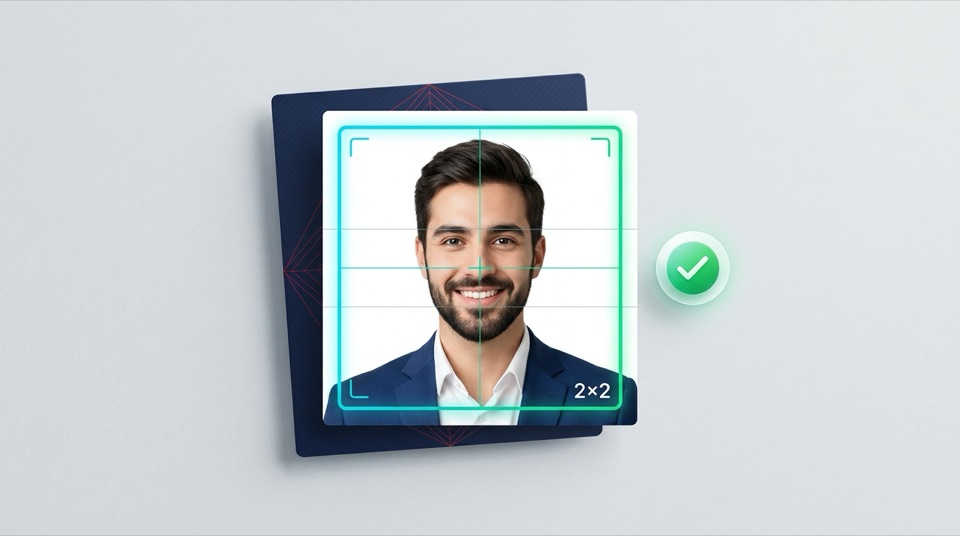
More technical guides
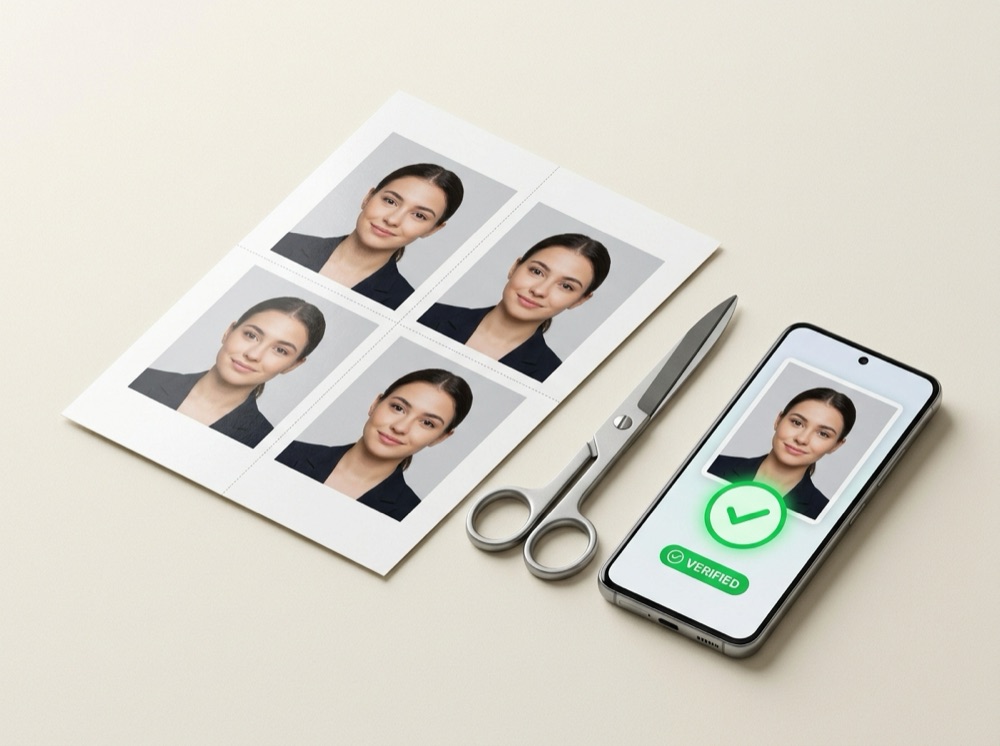
True-Scale Printing · 300 DPI
How to Print Passport & ID Photos on 4×6 in (10×15 cm) or A4 Paper Without Losing Scale
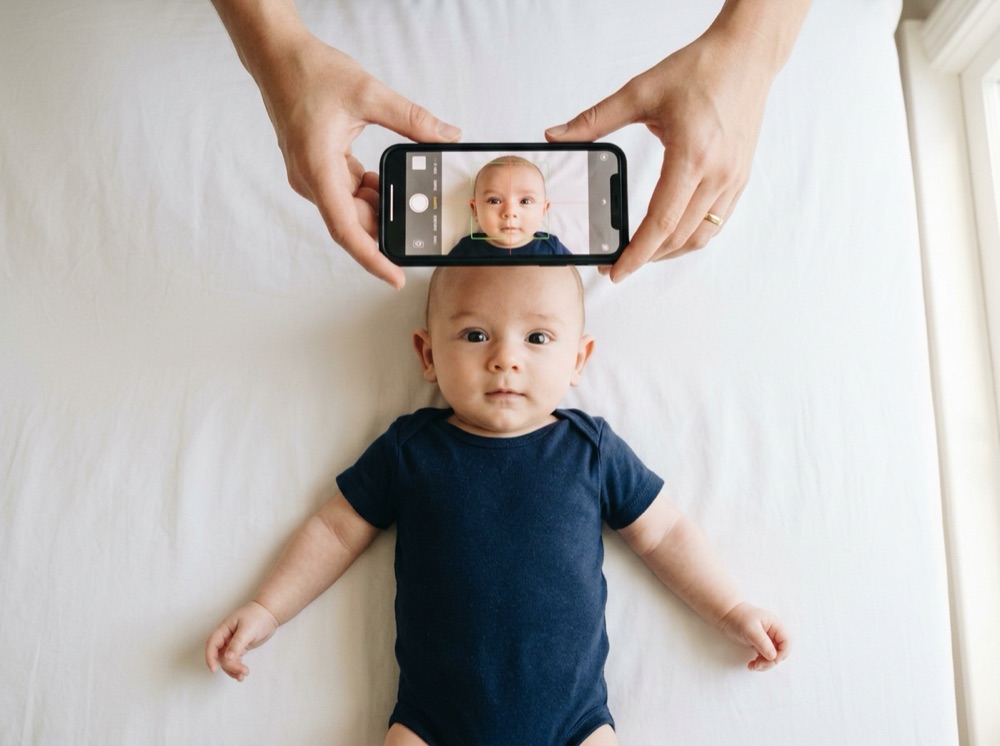
Baby & Infant Guide · Shadow-Free Method
How to Take a Baby or Newborn Passport & Visa Photo at Home (White Sheet Method)
Federal Police & Consulates · Brazil