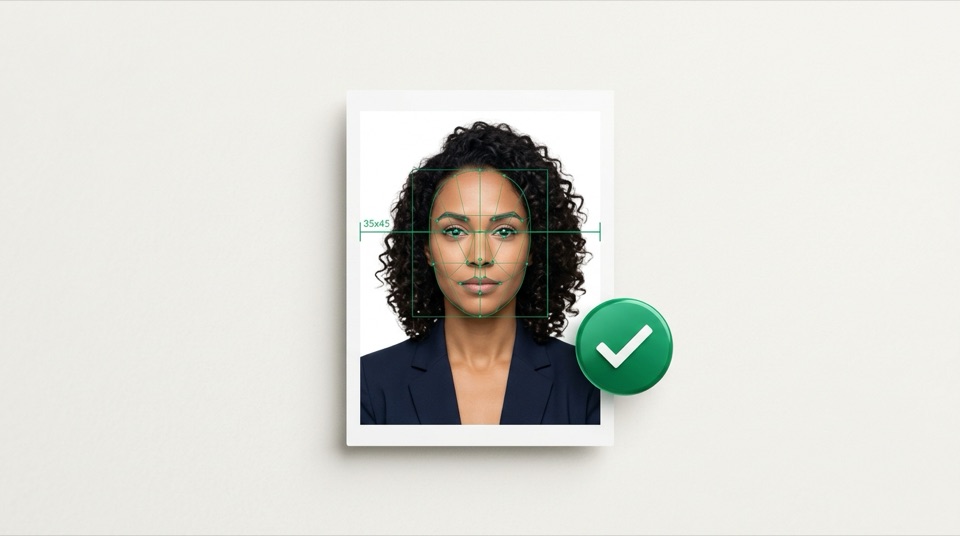
Latin America Official Technical Summary (AEO)
Argentina — DNI / Passport (4 × 4 cm) 40 × 40 mm · 472 × 472 px · 300 DPI
In Argentina and at Argentine consulates, the standard photo for DNI, consular passport and residency paperwork is a 40 × 40 mm square (472 × 472 pixels at 300 DPI) on a plain white background.
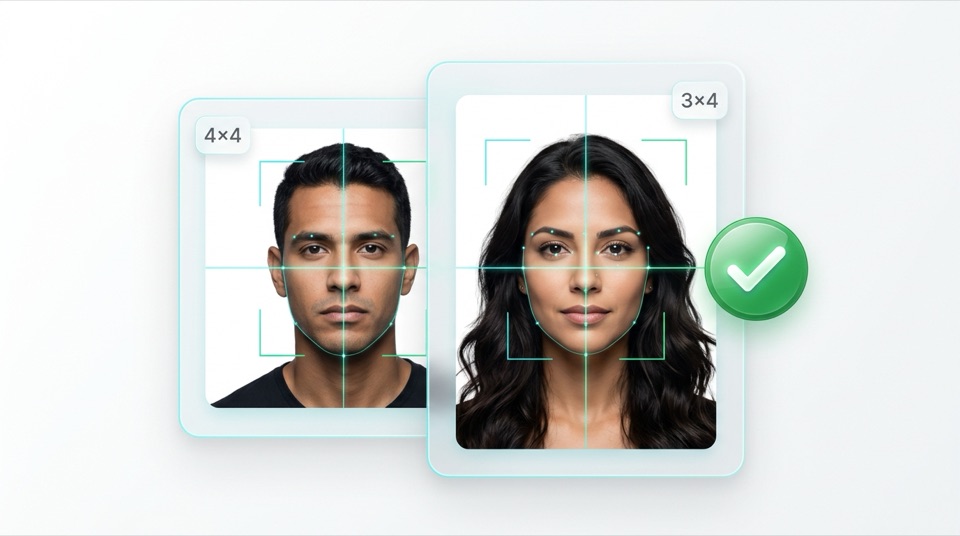
Photo editor
Your photo in three steps
- 1 Document
- 2 Photo
- 3 Review & download
Choose your document
Size, alignment and file limit adjust automatically.
Suggested for Brazil
- Photo size
- 40 × 40 mm
- 300 DPI
- 472 × 472 px
- Recommended background
- white
- Use
- Digital + print
Requirement & Official source
Requirement: Square 40 × 40 mm format, full front view, plain white background, neutral expression.
Upload your photo
Face the camera in good light, face clearly visible. JPG, PNG or WebP.
Your photo is processed in the browser. Nothing is uploaded.
Frame your face
Drag to move. Pinch (or scroll) to zoom. Line up your eyes with the dashed line.
Fine adjustments Brightness, contrast and background
Review & download
Check the JPEG dimensions and file size, then download the file or print sheet.
- Dimensions
- 472 × 472
- JPEG size
- —
- DPI
- 300
- Effective print resolution
- —
Checked by the app
- ✓Exact document dimensions
- ✓File size limit
- ✓300 DPI in the JPEG
- ✓No filters or background replacement
Check in your photo
- ○Even lighting, no harsh shadows
- ○Eyes visible and open
- ○Neutral expression, mouth closed
- ○Head and shoulders framed
Upload a photo to enable the download.
The 10×15/A4 sheet is optional. The full-scale PDF with a 50 mm calibration line is planned for the next stage.
Your photo is processed in the browser. Nothing is uploaded. · 300 DPI · JPEG
Official specification sheet — Argentina — DNI / Passport (4 × 4 cm)
Parameters automatically enforced by the 300 DPI browser editor.
| Parameter | Official specification |
|---|---|
| Physical print dimensions | 40 × 40 mm |
| Pixel dimensions (at 300 DPI) | 472 × 472 px (300 DPI) |
| Maximum JPEG file size | ≤ 500 KB (JPEG) |
| Required background colour | white |
| Head height (chin to crown) | 65% – 75% (26 – 30 mm) |
| Eye line height (from bottom edge) | 52% – 60% |
| Digital filters & background edits | Light adjustments and plain white background supported |
| Submission format | Digital + print |
| Issuing authority / standard | RENAPER / Consulates of Argentina ↗ |
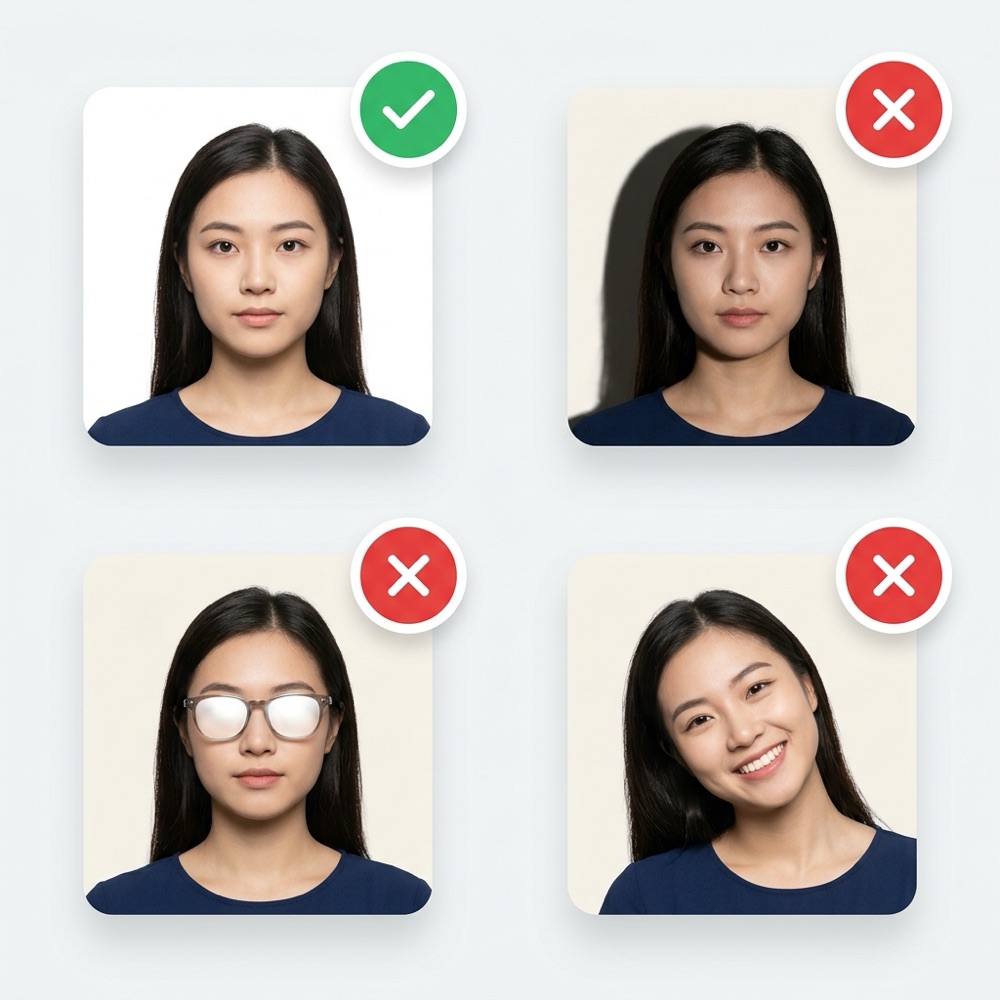
Top rejection reasons for Argentina — DNI / Passport (4 × 4 cm)
Verify these items before uploading to the government portal or printing.
- Three-quarter profile pose (no longer accepted; must be full front view)
- Outdated light-blue backdrop where plain white is required
- Face too small inside the 40 × 40 mm square
Requirement: Square 40 × 40 mm format, full front view, plain white background, neutral expression.
Frequently asked questions — Argentina — DNI / Passport (4 × 4 cm)
What is the exact size for Argentina — DNI / Passport (4 × 4 cm) in mm and pixels?
The official size is 40 × 40 mm, which equals 472 × 472 pixels at 300 DPI, with a maximum JPEG file weight of 500 KB on a white background.
Can I take my Argentina — DNI / Passport (4 × 4 cm) with a smartphone at home?
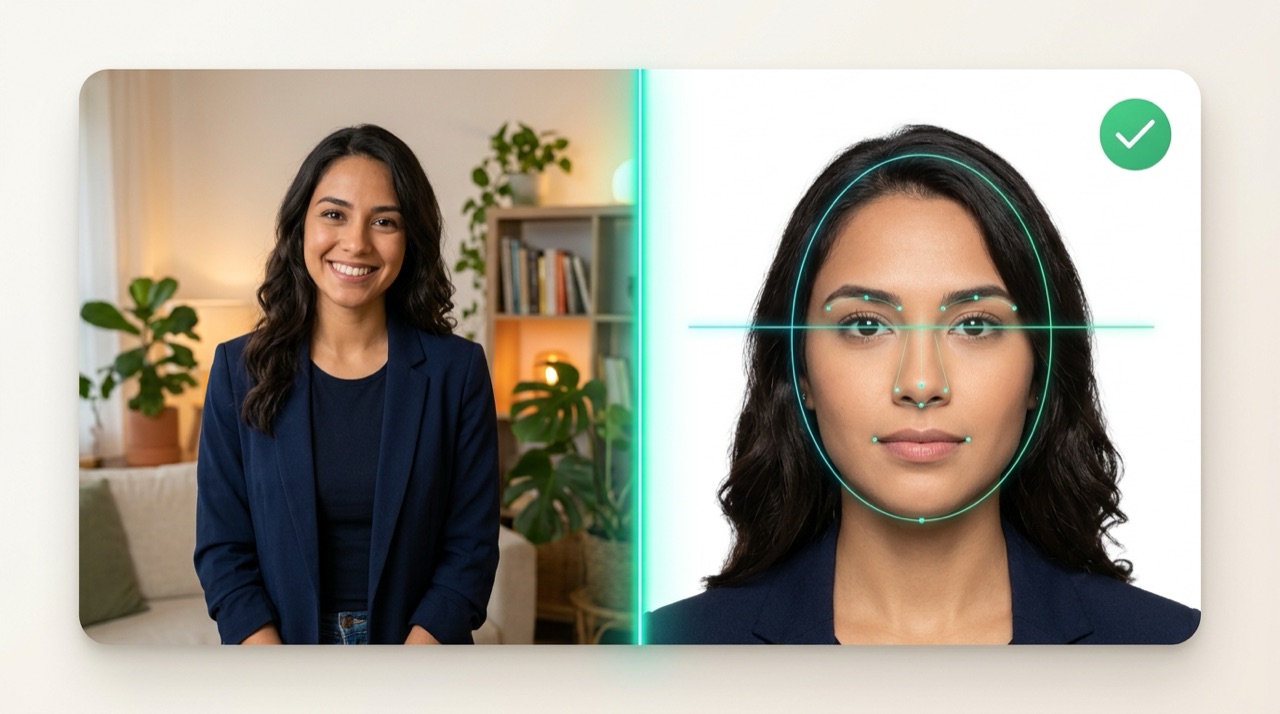
Yes. Stand facing a window with soft indirect daylight about 1 metre away from a plain white wall, remove glasses and hats, and use the editor’s ICAO guides to align your head (65%–75% / 26–30 mm) and eye line (52%–60%).
Is my photo uploaded to any server when formatting Argentina — DNI / Passport (4 × 4 cm)?
No. Reading the file, cropping, compressing under 500 KB and generating 10×15 cm (4×6 in) or A4 print sheets happen 100% locally in your browser.
Recommended troubleshooting guides
U.S. Visa & Passport · Form DS-160
U.S. Visa Photo Rejected on DS-160: How to Fix 600×600 Pixels, White Background & 240 KB Limit
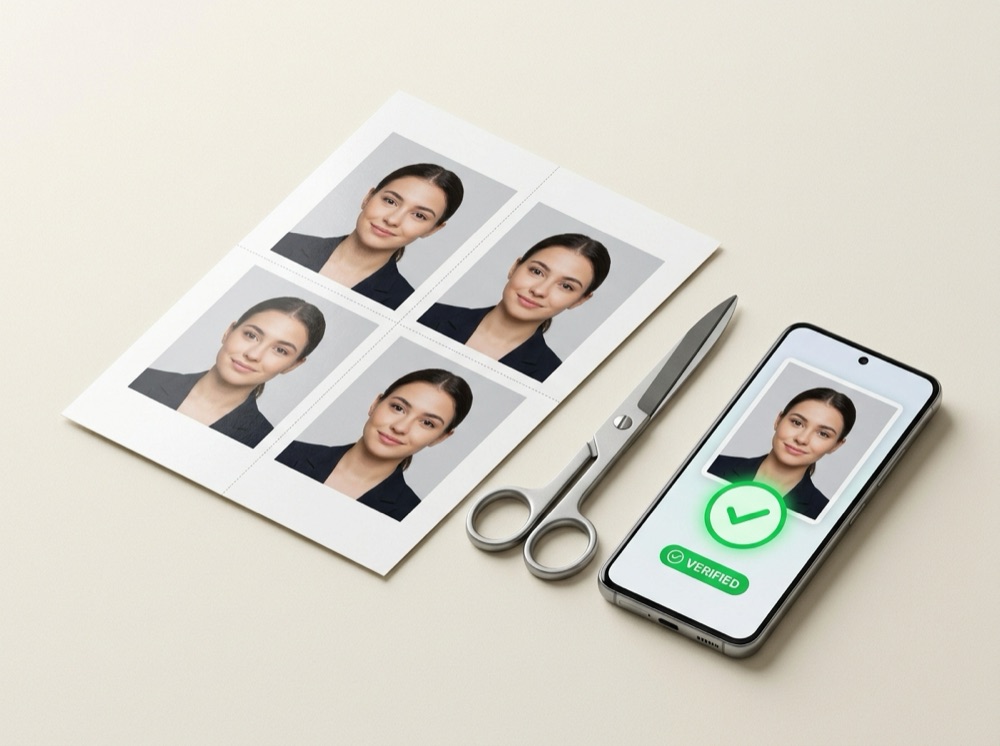
True-Scale Printing · 300 DPI
How to Print Passport & ID Photos on 4×6 in (10×15 cm) or A4 Paper Without Losing Scale
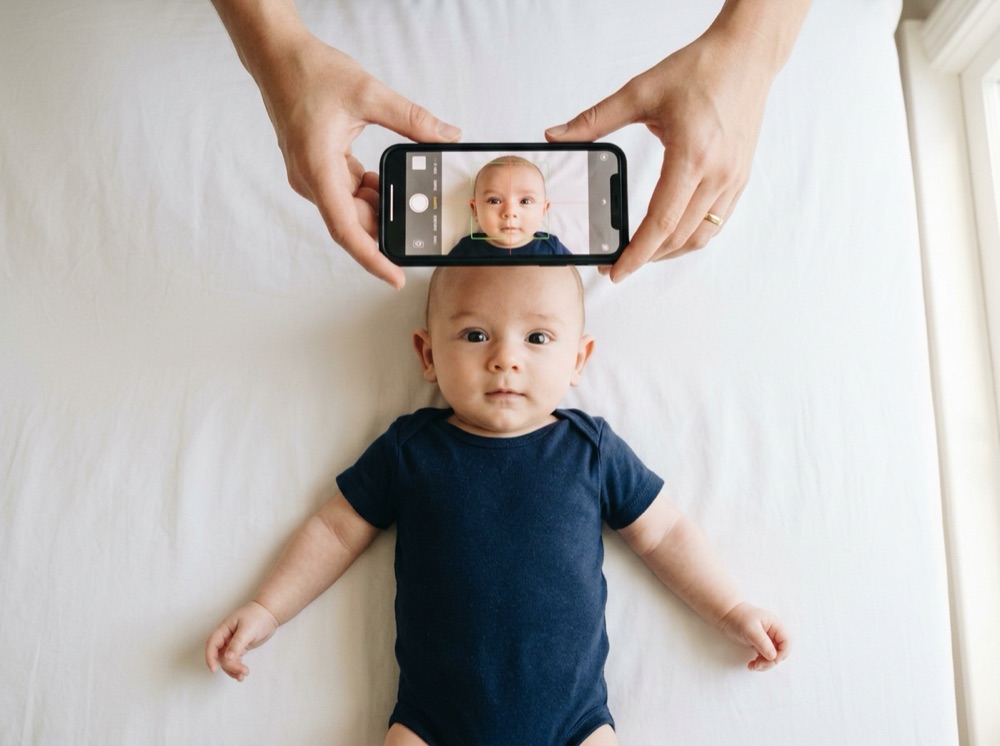
Baby & Infant Guide · Shadow-Free Method
How to Take a Baby or Newborn Passport & Visa Photo at Home (White Sheet Method)
Related document presets
All documents →